








looker studio
Atomic Logo

A Google Looker Studio alternative for AI search intelligence

Looker Studio visualizes your data. Atomic analyzes it, tracking AI search, running a built-in LLM audit, and deploying agents that act on what it finds. Same Google integrations, more than dashboards.
Accenture
Booking
payoneer
bunq
Loom Logo
zerion logo
rise
omnius logo

Why people look for Google Looker Studio alternative?

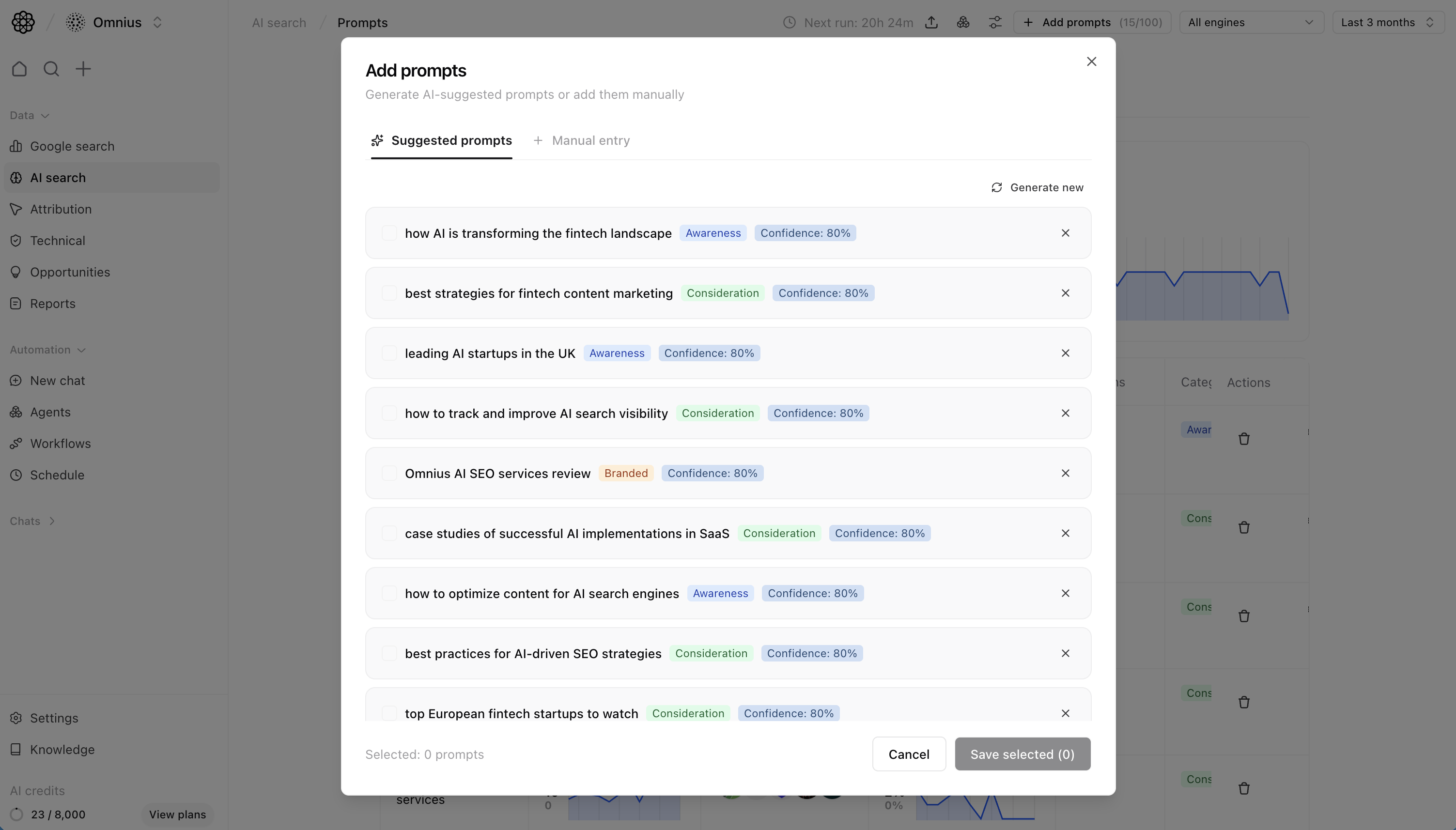
Looker Studio connects to data sources that publish a connector. AI platforms don't. There's no connector for ChatGPT, Perplexity, Gemini, or DeepSeek, and there won't be. Atomic tracks 10 AI engines natively, no connector needed.
Looker Studio shows what the data looks like; you decide what it means. Atomic surfaces what's declining, what's driving conversions, and which pages are missing AI citations automatically, without you building or interpreting a chart first.
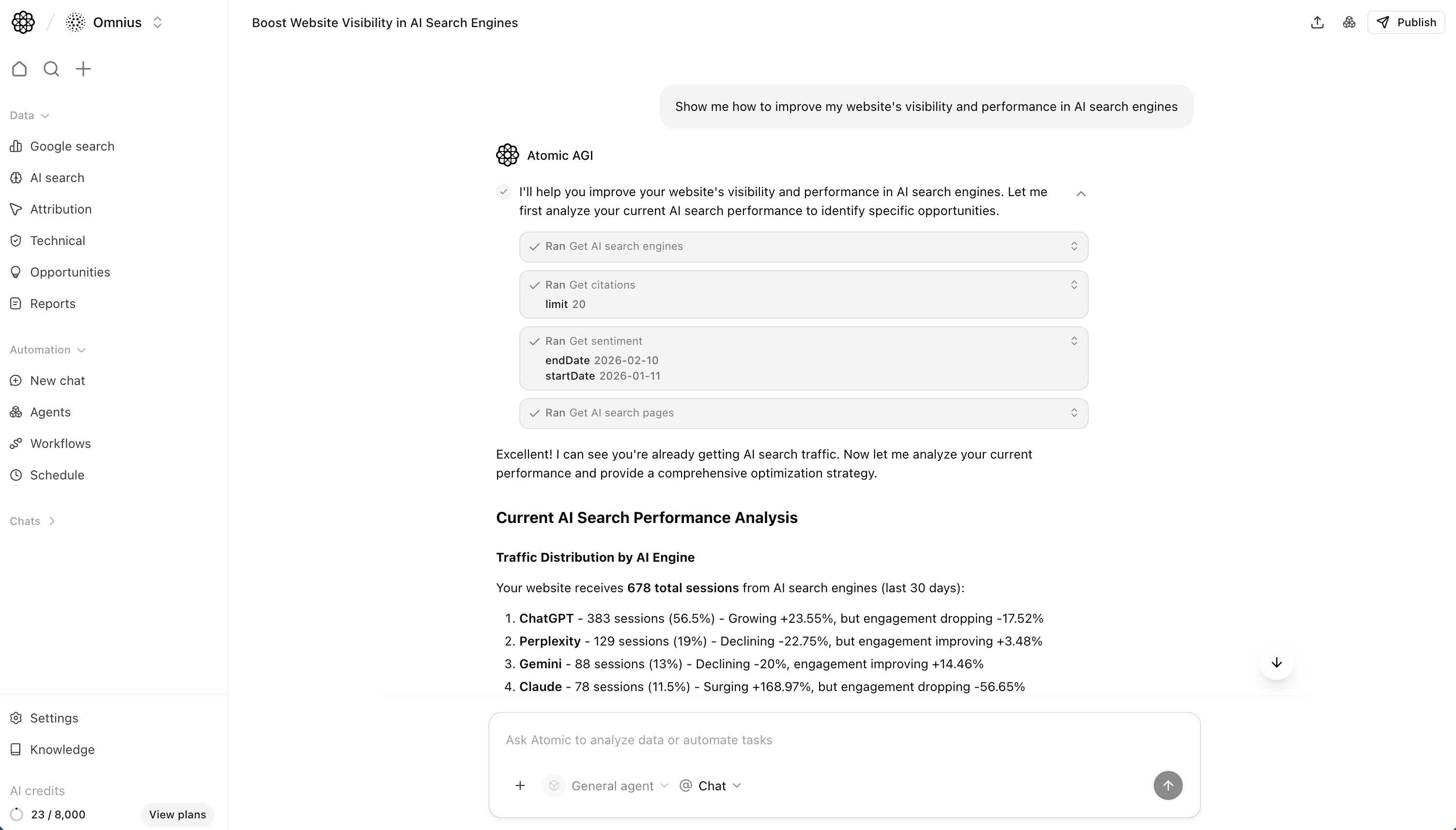
When Looker Studio shows a problem, you fix it elsewhere. Atomic's agents detect drops and gaps from live data and execute fixes, content refreshes, audits, reports, automatically on a schedule.

Why switch from Google Looker Studio to Atomic AGI?

Track AI search visibility

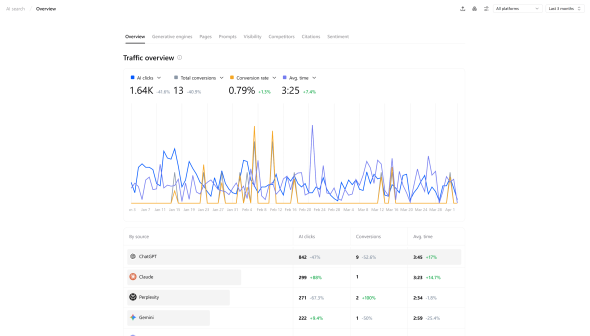
Looker Studio works with data sources that publish connectors. You can’t track AI search inside Google Looker Studio. Atomic tracks 10 AI engines natively, citation share, prompt rankings, sentiment, per-engine traffic, built in.

AI agents that execute SEO roadmap

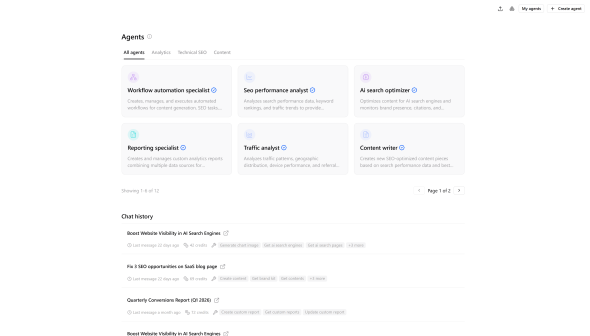
Looker Studio doesn't analyze data, it displays it. Atomic surfaces ranking drops, citation gaps, and content issues automatically from live data, then agents execute fixes without you switching tools.

Full technical SEO + LLM crawlability audit

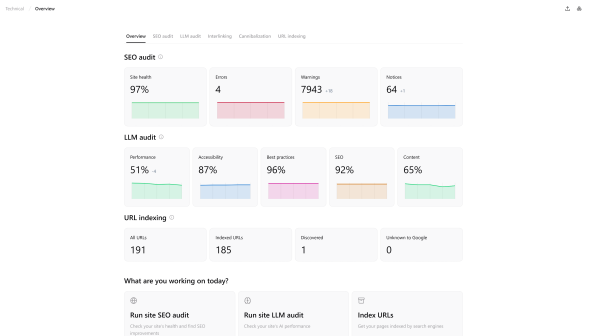
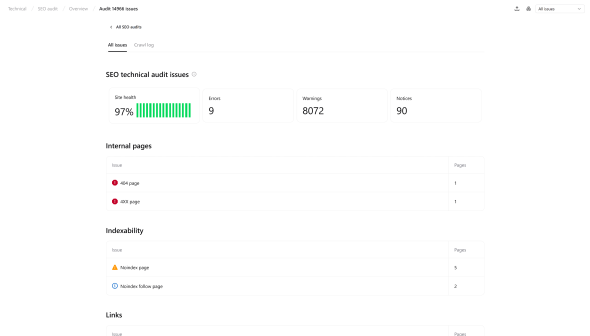
Looker Studio is a visualization tool; it has no crawling capability. To get technical SEO data into it, you need a paid third-party connector. Atomic runs a technical + LLM audit natively: crawlability score, bot permissions, schema, Core Web Vitals, interlinking, no extra tools.

Optimization recommendations layer

Looker Studio visualizes search and conversion data but doesn’t identify issues or priorities. Atomic adds an insight layer that highlights problems, tracks site health, and provides clear optimization recommendations.
Circle-Black
Quick comparison

Atomic AGI vs Google Looker Studio comparison

Here’s how Atomic compares to Google Looker Studio across AI visibility, SEO analytics, and automation.
Features
logo
AI Search tracking
10 engines + citation share, prompt ranking, sentiment
Traditional SEO & Google Analytics
check-circle-small
Full + conversion attribution
Basic dashboard insights
Technical SEO & LLM Audit
check-circle-small
Deep audit including LLM crawlability score
Basic SEO
AI Agents & Automation
check-circle-small
Full agent layer: detect, analyze, execute
Integrations
check-circle-small
GSC + GA4 + custom dashboards + API
check-circle-small
GSC + GA4

Atomic tracks AI engines with citations, prompts, and attribution. Looker Studio has no ability for that.

There's no Looker Studio connector for AI search tracking. Atomic captures it natively: citation share, prompt rankings, visibility percentage, sentiment, and per-engine traffic attribution across 10 platforms.

Features
logo
AI search tracking (ChatGPT, Gemini, Perplexity etc.)
check-circle-small
10 engines
Prompt tracking
check-circle-small
LLM visibility percentage
check-circle-small
Average position in AI search
check-circle-small
Mention frequency
check-circle-small
Citation share
check-circle-small
Chat examples
check-circle-small
Intent analysis
check-circle-small
Landing page AI tracking
check-circle-small
Zero-page tracking
check-circle-small
Pages AI indexability
check-circle-small
Competitor comparison
check-circle-small
Sentiment percentage
check-circle-small

Looker Studio visualizes Google data well. Atomic adds AI search attribution and surfaces insights automatically.

Looker Studio visualizes GA4 and GSC data but requires manual setup for insights and lacks AI attribution. Atomic automates analysis and connects SEO performance to AI-driven traffic and revenue.

Features
logo
Traditional search tracking (clicks, impressions, CTR)
check-circle-small
check-circle-small
Keyword tracking & average position
check-circle-small
check-circle-small
Landing page tracking
check-circle-small
check-circle-small
AI search conversion & revenue attribution
check-circle-small
Per-engine attribution
Google only
Google conversion tracking
check-circle-small
Via GA4 link
Referring domains
check-circle-small
Basic links data only
Region traffic insights
check-circle-small
check-circle-small
Device traffic insights
check-circle-small
check-circle-small

Looker Studio is a visualization layer with no audits. Atomic runs a built-in technical and LLM audit.

Looker Studio can display technical SEO data but relies on external tools and has no audit capability. Atomic runs its own audits, evaluating crawlability and key technical factors with actionable recommendations.

Features
logo
Technical SEO audit
check-circle-small
Built-in, deep audit
Visualization only
Technical LLM audit
check-circle-small
Crawlability diagnostics
check-circle-small
Google + LLM crawlers
URL indexing
check-circle-small
Via GSC connector - display only
Interlinking insights
check-circle-small
Core Web Vitals
check-circle-small
Via GSC connector - display only
LLM bot permissions (robots.txt)
check-circle-small
JavaScript rendering issues for AI crawlers
check-circle-small
Schema markup validation
check-circle-small

Looker Studio builds dashboards. Atomic acts on what the dashboards show.

Looker Studio has no automation layer. Atomic's agents detect issues from your live data and execute fixes automatically: content refreshes, technical recommendations, backlink discovery, report generation, and multi-step workflows.

Features
logo
AI agents
check-circle-small
Page opportunities
check-circle-small
Issue category opportunities
check-circle-small
Backlink opportunities
check-circle-small
Automatically fixing issues
check-circle-small
Agent data analysis
check-circle-small
Agent report building
check-circle-small
Agent website health monitoring
check-circle-small
Multi-step workflows
check-circle-small
Content creation
check-circle-small
Content optimization
check-circle-small
Workflow execution
check-circle-small
Automation scheduling
check-circle-small

Looker Studio is strong on Google-native reporting. Atomic adds AI search and intelligence.

Looker Studio's core strength is flexible, shareable dashboards - GA4, GSC, Google Ads are free. AI search has no connector. Atomic covers the same Google integrations plus AI search tracking in one plan.

Features
logo
Entry Plan
$0/mo (Free)
Free ($9/user/project/month Pro version)
AI Search Tracking
check-circle-small
Starting from $20/month
GSC integration
check-circle-small
Fully integrated
check-circle-small
GA4 integration
check-circle-small
Fully integrated
check-circle-small
Custom exports
check-circle-small
Custom reports + CSV + API
check-circle-small
PDF + CSV + email
API access
check-circle-small
check-circle-small
Looker Studio API (dev setup required)
Custom dashboards
check-circle-small
check-circle-small
Core strenght
Understand data from all engines. Then utilize it with AI Automations.
Data analytics
AI agents
chatgpt logo
google logo
Claude logo
logo-dark
perplexity logo
1
Starting content refresh
2
Pulling GSC data for analysis
3
Auditing decaying pages
4
Performing SERP and competitor analysis
5
Gap mapping and brief creation
6
Refreshing content with AI
Utilize data
With AI Automations.
1
Starting content refresh
2
Pulling GSC data for analysis
3
Auditing decaying pages
4
Performing SERP and competitor analysis
5
Gap mapping and brief creation
6
Refreshing content with AI

Why choose Atomic AGI over Google Looker Studio?

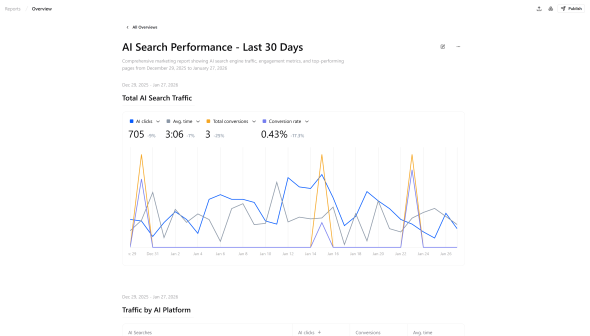
Reporting without manual dashboards

Google Looker Studio is widely used to create marketing dashboards and visual reports by connecting different data sources and designing custom charts and layouts.
Teams often spend significant time building dashboards, configuring connectors, and maintaining reports as data sources change. Atomic takes a different approach by generating structured AI search performance reports automatically. Instead of designing dashboards from scratch, teams can generate clear, data-rich reports that summarize visibility, traffic, engagement, and performance across search engines.
Atomic removes the reporting overhead so teams can focus on improving performance instead of maintaining dashboards.

See AI search and SEO data in one report

Looker Studio primarily visualizes data from sources like Google Analytics, Ads, or Sheets and focuses on presenting that information through customizable dashboards.
Atomic expands beyond traditional marketing data by combining Google search performance with AI engine analytics from platforms like ChatGPT, Gemini, Claude, and Perplexity. Instead of building separate dashboards for different data sources, Atomic compiles them into a single performance report.
This unified reporting approach helps teams understand how traditional SEO performance connects to emerging AI search visibility.

Turn reporting into actionable insights

Looker Studio dashboards often require manual interpretation. Teams still need to analyze charts, identify patterns, and decide what actions to take next.
Atomic automatically analyzes the data behind your reports. AI agents detect performance changes, highlight declining pages, identify citation opportunities, and surface optimization recommendations directly inside each report.
Instead of simply visualizing metrics, Atomic helps teams understand what changed and what actions will improve performance.

Discover SEO and GEO opportunities

Looker Studio helps visualize data, but it does not analyze it or surface optimization opportunities on its own.
Atomic goes beyond by uncovering deeper SEO and generative search insights directly from your data. The platform analyzes keyword performance, citation patterns, page authority signals, and AI prompt visibility to identify opportunities that improve both traditional rankings and AI search discoverability.
This allows teams to quickly see which pages should be refreshed, which topics are gaining visibility in AI answers, and where competitors are capturing citations. Instead of manually exploring dashboards to find patterns, Atomic highlights the opportunitie

Monitor site health and crawlability

Google Looker Studio is built for visualizing data, not for diagnosing technical SEO issues. While it can display metrics, it doesn’t analyze your site’s health or identify barriers that prevent search engines from properly crawling and indexing your content.
Atomic continuously monitors the technical factors that influence search visibility. It analyzes indexation status, internal linking structure, schema markup, Core Web Vitals, robots.txt configuration, sitemap integrity, and LLM crawler permissions to ensure your site remains accessible to both traditional search engines and AI systems.

What can Atomic help you with?

arrow-left-sliderarrow-right-slider

Content intelligence

NLP-based gap detection and optimization recommendations.
content analytics

Advanced analytics

SEO, AI search, technical, and conversion attribution data - all in one dashboard, enriched.
analytics overview

AI agents

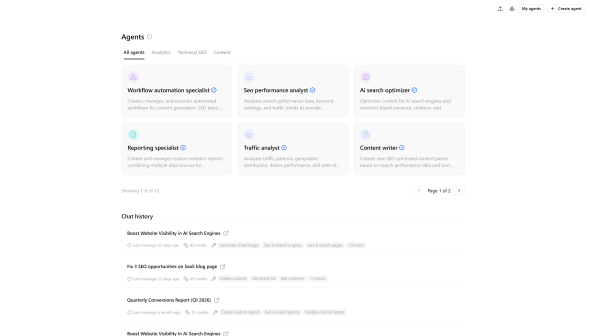
SEO-specific AI agents, automating audits, keyword tracking, content optimization, and reporting - all in real-time.
ai agent

Technical optimization

Continuous audits, LLM crawlers monitoring, Core Web Vitals tracking, real-time issue detection.
site audit technical

Reporting

Automated, customizable reports that turn complex search data into clear, actionable insights.
Reports

Setting up Atomic takes less than 5 minutes

No complex migration, no data loss, no downtime. Start tracking your AI visibility and SEO performance today-completely free, no credit card required.
Sign up for free
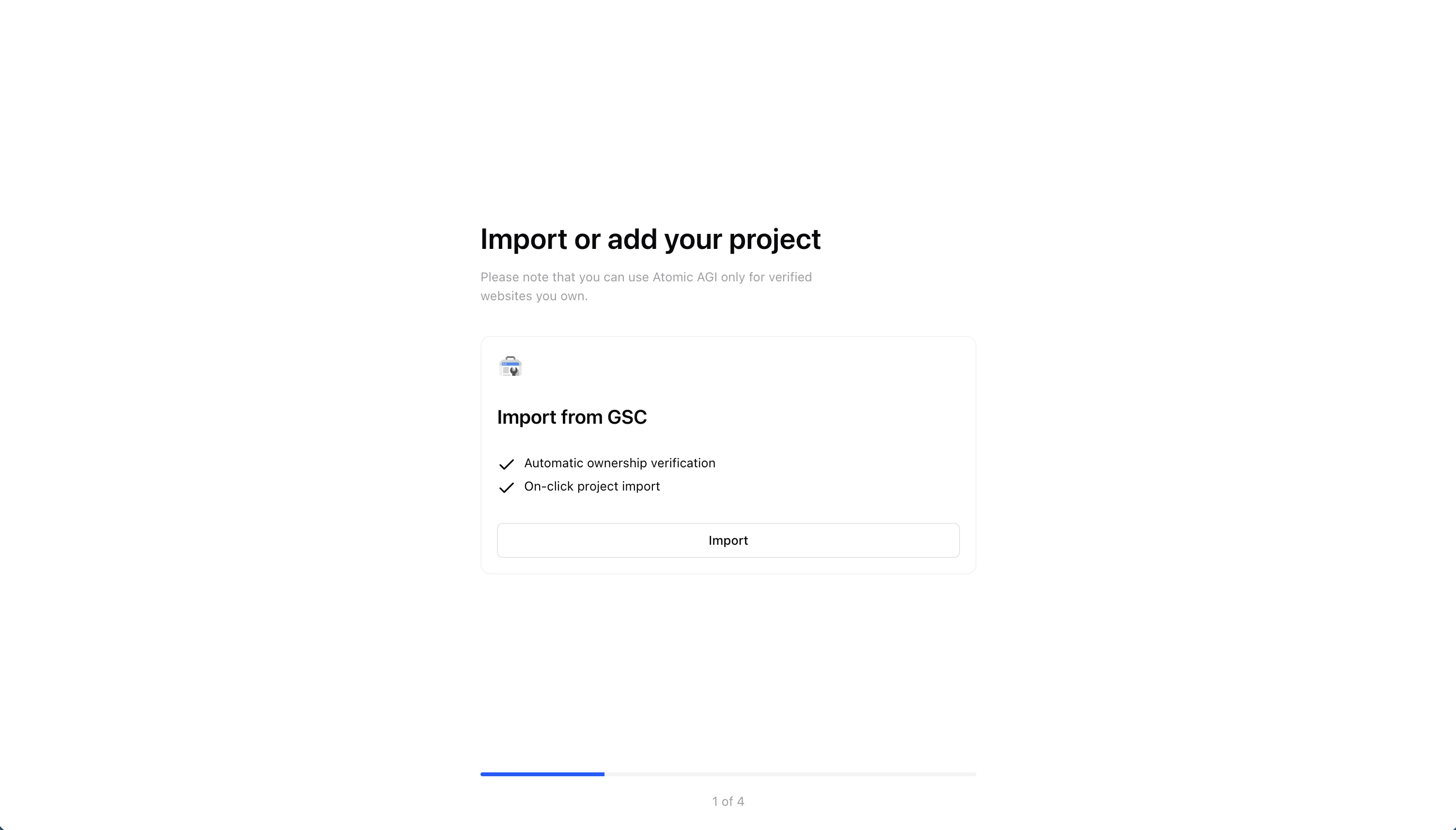
Connect data sources
Start tracking data
Deploy agents

Built for teams who need more than content scores

Whether you manage clients, scale in-house, or grow organic, Atomic delivers AI-native infrastructure Google Looker Studio can’t.
shield
Manage multiple clients with AI agents

Deploy automated workflows to track AI visibility, competitor mentions, and generate client reports.

circle-check-grey
Scale without hiring

Automate audits, keyword tracking, and content gaps. Get enterprise insights without enterprise costs.

eu
Optimize for AI + Google simultaneously

Track performance in Google and AI engines. Find gaps and see where you appear across ChatGPT and more.

Search engines covered
10x
A complete multi-engine search ecosystem tracked in a single place.
Hours saved per month
30x
Typical teams reclaim about a workweek previously spent on data analysis & reporting.
Time to useful intelligence
<24h
From onboarding to decision-ready insight without complex setup.

Trusted by the world’s best marketing teams.

arrow-left-sliderarrow-right-slider
Circle-Black
FAQs

Have questions?
Find answers.

What is the best AI search optimization tool?

dropdown plus

There’s no single best tool, as some focus on dashboards while others focus on analysis and execution. If you want insights and actions in one place, platforms like Atomic are worth considering.

What is the difference between Atomic and Google Looker Studio?

dropdown plus

Looker Studio is a data visualization tool, while Atomic analyzes search data, tracks AI visibility, and automates optimization. In short, Looker Studio shows charts, while Atomic tells you what matters and what to do next.

Why do teams look for a Looker Studio alternative?

dropdown plus

Teams often need more than dashboards, they want insights and actions without manually interpreting data. Looker Studio requires setup and analysis, while other platforms surface opportunities automatically.

Can Looker Studio track AI search data?

dropdown plus

No, Looker Studio relies on connectors, and AI platforms don’t provide them. This makes it impossible to track AI visibility or attribution directly within it.

Grow healthy with AI-first SEO data analytics, agents & automations.

check-circle

Start your integration

Integrate your data sources with Atomic in as little as 4 minutes.

check-circle

No development required

No coding, no complex setup, and no heavy learning curve.

check-circle

Secure & encrypted

Your data is visible only to you. Our system is completely encrypted.